PRODUCT
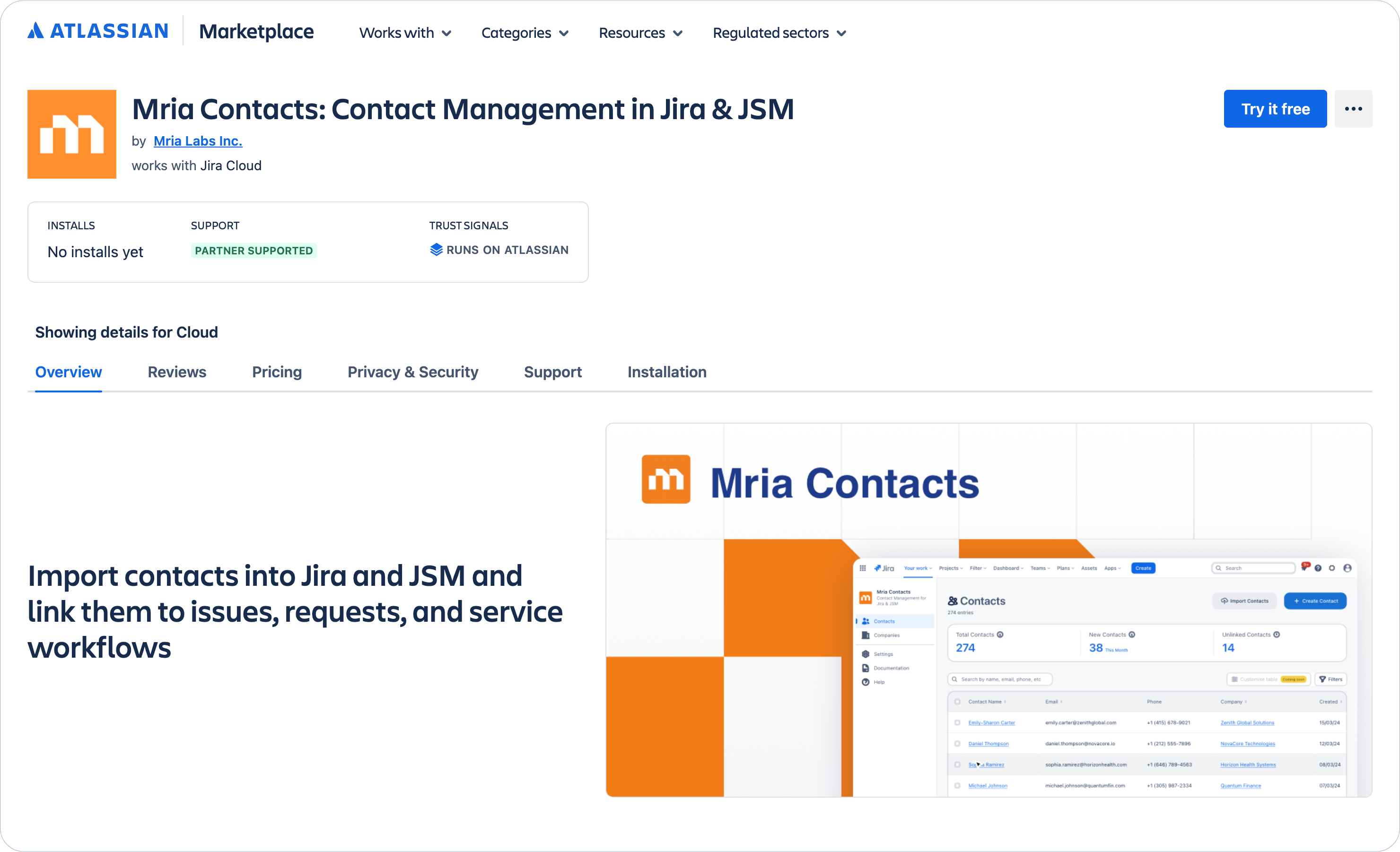
Mria Contacts: Contact Management in Jira & JSM
Import and Manage Customers & Organisations Directly in Jira
Mria Contacts lets teams build a customer database in Jira, automatically detect customers in support requests, and keep contact information connected to Jira issues and JSM requests.
What is Mria Contacts?
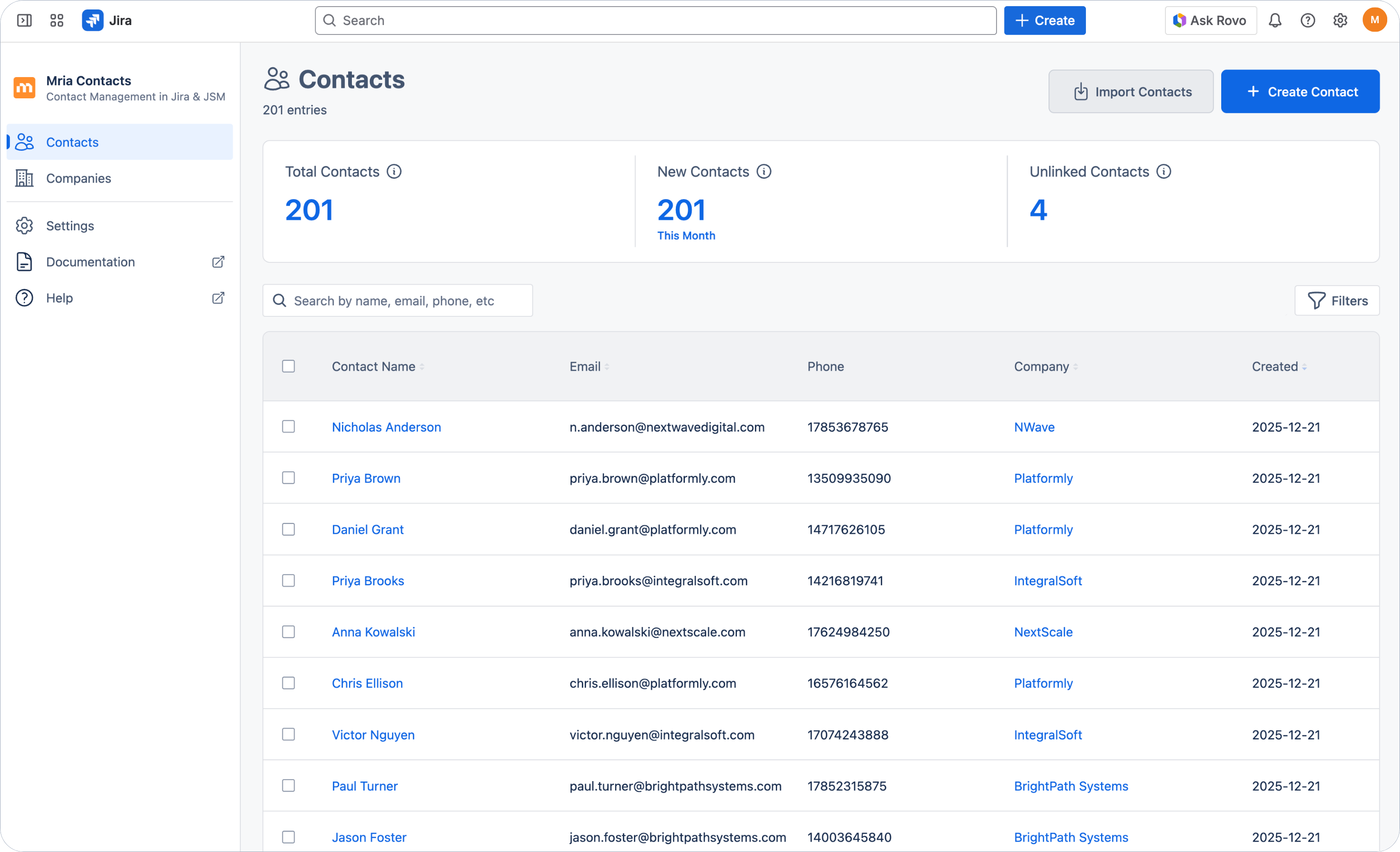
Mria Contacts is a Jira Cloud app available on the Atlassian Marketplace that introduces a dedicated data layer for managing external customers and organizations inside Jira and Jira Service Management.
Built on Atlassian Forge, Mria Contacts runs entirely on Atlassian infrastructure and integrates directly into Jira workflows. It makes customers and organizations stable, shared objects that live alongside Jira work. These records can be linked to multiple issues and requests, enriched with notes, and reused across teams over time.
Mria Contacts is designed to solve a specific gap in Jira: while teams manage customer-facing work in Jira and JSM, there is no native place for customer and stakeholder data to live. Mria Contacts fills this gap by making people and organizations first-class, reusable entities inside Jira, so customer context is always available where work happens.
Key Features
Features Designed for Customer-Facing Teams
Discover tools that help support and delivery teams work with a clear customer context inside Jira and Jira Service Management.
Contact & Company Management
A reliable source of truth for customers and organizations in Jira.

Always Know Who You’re Working With
See who the customer is, which company they belong to, and the key details you need — directly inside Jira.

Built for External Customers
Store contacts & companies independently of Jira users, so external customers and stakeholders are managed without invitations or accounts.

Complete Profiles
Maintain structured details and notes for every contact and company, keeping important context available for support and delivery teams.
Customer Import & Data Foundation
Build a real customer database inside Jira once, and keep it accurate over time.

Bulk Import Contacts and Companies
Bring contacts and companies into Jira from CSV files, including new records, without requiring invitations, user accounts, or APIs.

Relationships Created Automatically
Import contacts and companies together in one file and have them linked correctly on import, removing the need for manual cleanup or post-processing.

Keep Customer Data Current
Re-import updated files at any time to refresh contact details, add new customers, and keep your Jira customer data aligned with external sources.
Automatic Customer Detection in JSM
Customer context appears the moment a request is opened.

Smart Suggestions in Support Requests
Automatically detect matching contacts and companies in Jira Service Management requests based on requester email and company domain.
Link in One Click
Attach suggested contacts and companies to the request directly from the ticket, without leaving the support workflow.

Capture New Customers Instantly
Create new contacts or companies directly from the JSM support request when no match is found.
Jira Issue Linking & Delivery Context
Customer context stays connected beyond support.

Link Contacts to Jira Issues
Associate one or multiple contacts and companies with Jira issues to clarify who the work is for and who is affected.

Context for Delivery Teams
Give engineering and delivery teams direct access to customer information while work is in progress.

Bidirectional Visibility
Linked issues and requests appear on contact and company records, creating a complete view of customer-related work.
Governance & Access Control
Share customer data across teams without losing control.

Role-Based Access
Define who can view, edit, or administer contact and company data to meet governance and security requirements.
Jira-Native Permissions Model
Manage access using Jira’s existing permission concepts, without introducing separate user management or external systems.
Designed for Cross-Team Use
Enable support, delivery, and operations teams to work with shared customer data while maintaining clear ownership and boundaries.
Use Cases
How Mria Contacts Fits Your Team

PROJECT & ACCOUNT COORDINATORS
Connect people, work, and account history in one place.
See all Jira issues and JSM requests linked to a contact or company to understand ongoing work, past interactions, and open requests related to a customer or stakeholder.

CUSTOMER SUPPORT
Know who’s behind every request, instantly.
Identify customers and companies directly inside Jira Service Management requests. See who the requester is, which account they belong to, and link contacts to tickets so support can respond with the right context from the first reply.

DELIVERY & ENGINEERING TEAMS
Keep customer context visible while work is in progress.
Link contacts and companies to Jira issues so delivery teams understand who the work is for, who is affected, and which customers are involved — without switching tools or relying on ticket descriptions alone.
How It Works
Get Started in 3 Simple Steps

Step 1
Install from Atlassian Marketplace
Add Mria Contacts to your Jira Cloud site directly from the Atlassian Marketplace—no external setup or integrations required.

Step 2
Import Contacts & Companies
Import contacts and companies from CSV files. Relationships between contacts and companies are set automatically.

Step 3
Use Customer Context in Jira & JSM
See contacts and companies inside Jira issues and Jira Service Management requests. Link customers to work and keep context visible across support and delivery.
Pricing
Flexible Pricing That Grows With You
Mria Contacts follows Atlassian Marketplace pricing standards. It’s free for teams with up to 10 users and includes a 30-day free trial for all new users. Choose between monthly or annual subscriptions tailored to your team size.
Why Mria CRM?
What Makes Mria Contacts Unique?

Jira-Native
Seamlessly integrates with Jira, eliminating the need for external tools.

Forge Technology
Built on Atlassian’s Forge platform for enhanced security and scalability.

Future-Ready
Designed to evolve with your business and the Atlassian ecosystem.

Aligned with Partners
We collaborate with Atlassian solution partners to deliver the best experience.