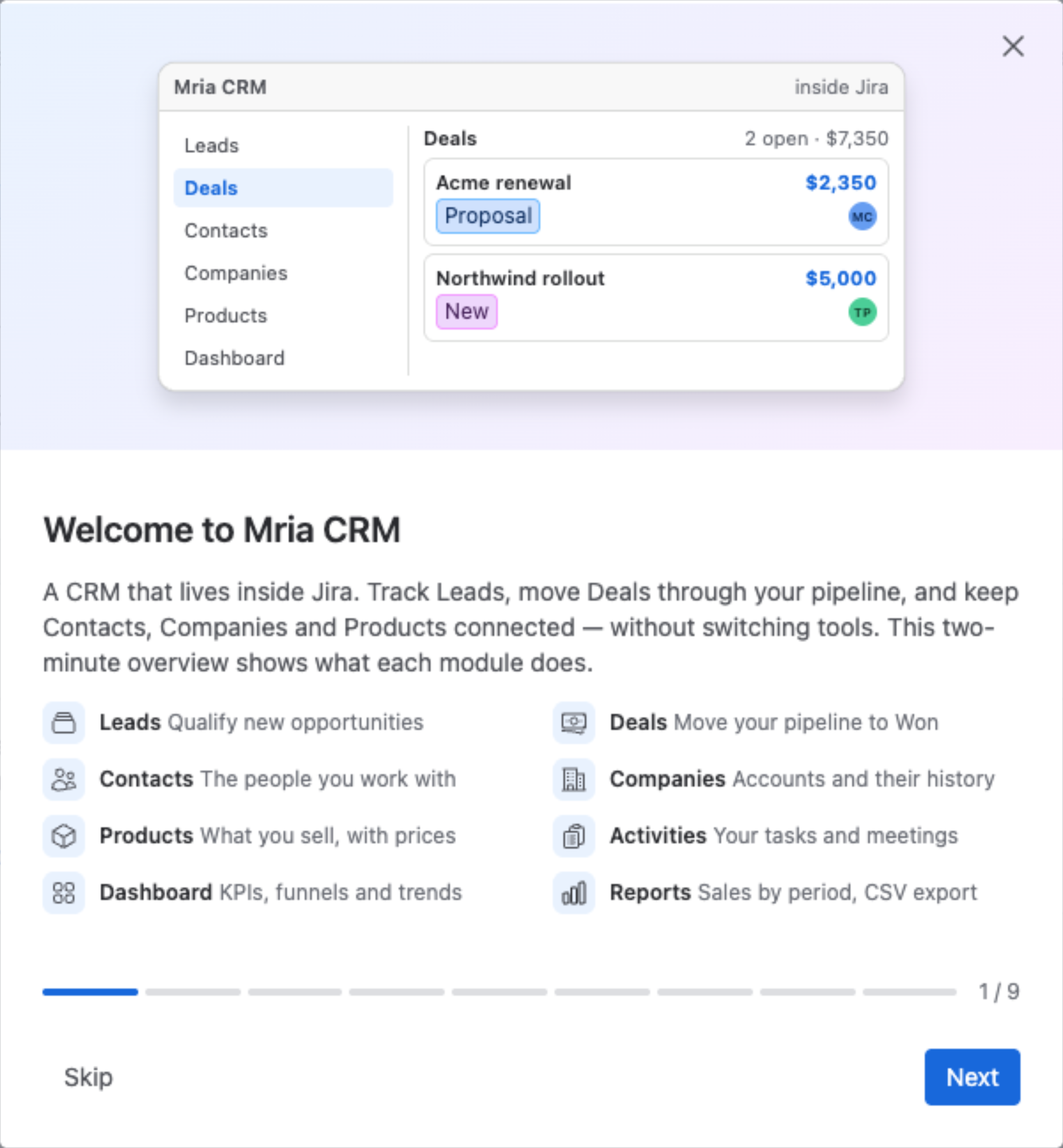
Mria CRM: CRM for Jira Teams is a simple yet powerful CRM system built directly into Jira. It helps your team manage customer relationships without leaving your existing workflow. With Mria CRM, you can track Leads, manage Deals, organize Contacts and Companies, and link Products — all within the familiar Jira environment.
Key Entities in Mria CRM #
- Leads: Potential opportunities you’re not yet sure about. While working with a Lead, you can log Activities like notes, meetings, and tasks to keep track of progress. When the Lead becomes promising, convert it into a Deal. During conversion, you’ll decide whether to carry over existing Activities if they’re still relevant.
- Deals: Sales opportunities in your pipeline. Deals move through stages (e.g., New → Negotiation → Proposal → Won/Lost). You can also create new Activities here to manage ongoing communication and progress.
- Contacts: Individuals you interact with. A Contact can belong to a Company and be linked to multiple Leads or Deals.
- Companies: Organizations you work with. Each Company can have multiple Contacts, Leads, and Deals.
- Products: Items or services you sell. Products can be linked to Leads and Deals. In Deals, they become more powerful: you can adjust pricing, VAT and discounts, and optionally update the Deal amount to match the Products total.
The two-minute tour #
The first time you open Mria CRM, a short product overview walks through each module — what Leads, Deals, Contacts, Companies and Products are for, where your daily work lives, and where to find help. Missed it, or want a refresher? Replay it from Settings → General.
How It All Works Together #
- Capture a Lead → add basic details (Contact, Company, Products).
- Work the Lead using Activities → notes, meetings, tasks, and files.
- Convert the Lead into a Deal when there’s a real opportunity. Decide whether to transfer Activities into the Deal.
- Track the Deal through your sales pipeline stages. Add new Activities as the opportunity develops.
- Keep your data clean by organizing people under Contacts and organizations under Companies.
- Use Products to connect opportunities to what you actually sell, and update Deal values consistently.
Help is one click away #
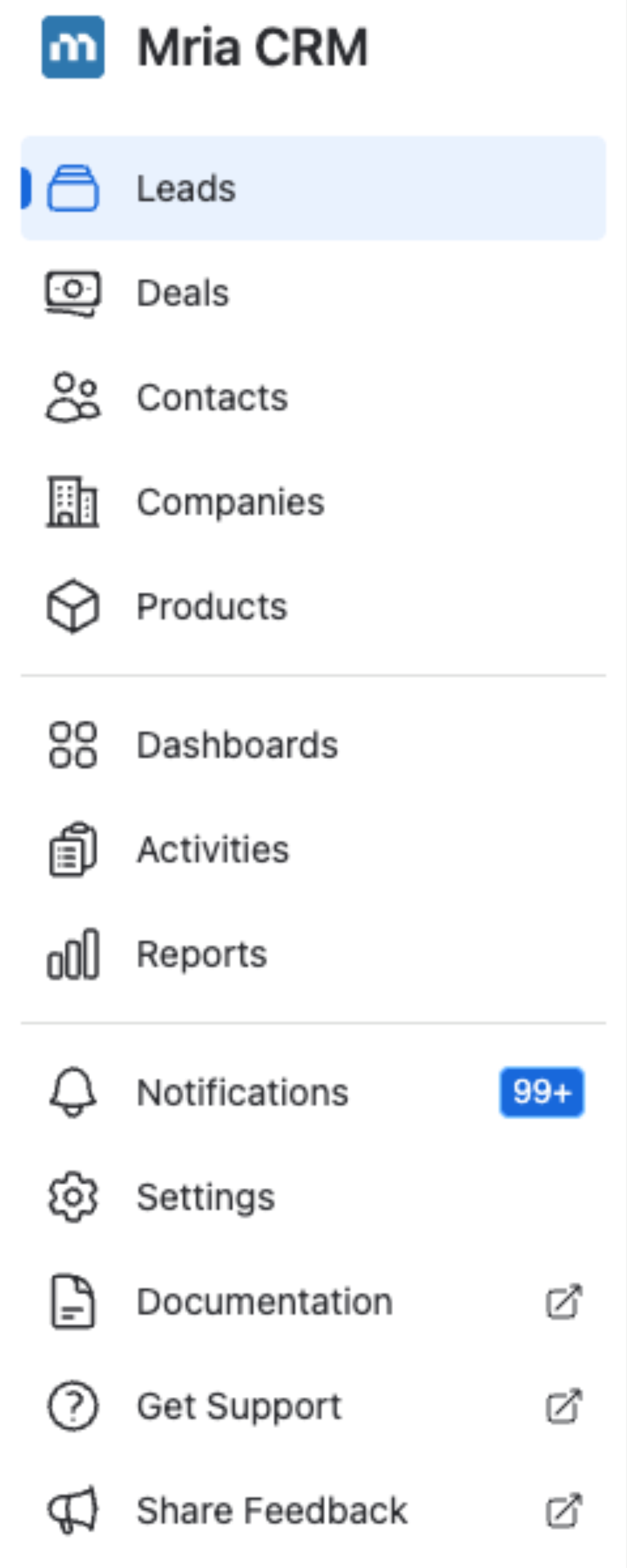
Three items at the bottom of the Mria CRM sidebar open in a new tab:
- Documentation — these guides, release notes and integration setup.
- Get Support — a request to the Mria Labs team, straight from the app.
- Share Feedback — tell us what to build or fix.
✨ With all these entities working together, Mria CRM for Jira becomes the best CRM solution for Jira teams, covering the full customer journey from the very first interaction to a closed Deal. By centralizing Leads, Deals, Contacts, Companies, and Products, Jira teams gain full pipeline visibility, improve collaboration, and eliminate the need for external CRM tools.


