A minimal example of calling the API from Node.js: example.mjs.
- Export the four values as environment variables —
MRIA_CLIENT_ID,MRIA_CLIENT_SECRET,MRIA_CLOUD_IDandMRIA_ENV_ID. - Run
node example.mjs. - Open
http://localhost:3000.
Use your own environment id. ENV_ID identifies one install of Mria CRM on one site — take it from View app details on your own site. The app id above is the same everywhere; the environment id is not, and pointing the example at somebody else’s is not something the example can catch for you.
example.mjs
// Mria CRM API integration example.
// -----------------------------------------------------------------------------
// One file, no dependencies: a Node backend plus an inline UI that runs the whole
// OAuth 2.0 (3LO) flow and calls the API. Node 18+.
//
//   1. fill in the CONFIG block below
//   2. node example.mjs
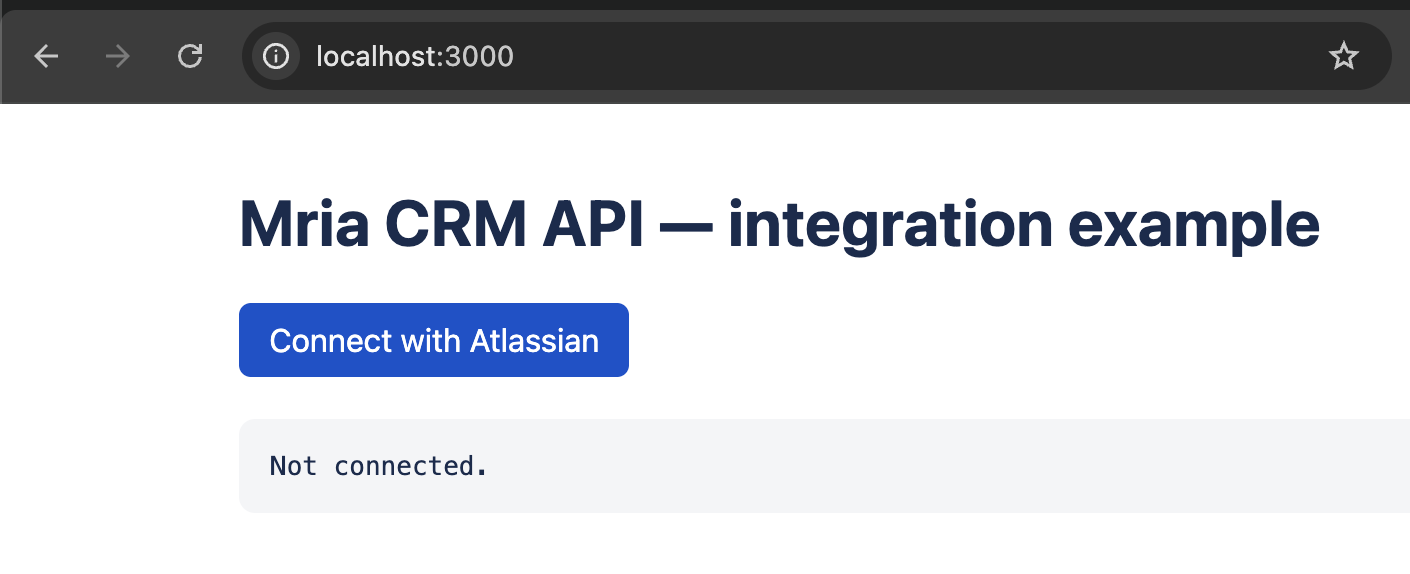
//   3. open http://localhost:3000 and click "Connect with Atlassian"
//
// Needs Mria CRM installed on your site with App REST APIs enabled (Admin →
// Connected apps → Mria CRM → View app details), plus an OAuth 2.0 integration
// (developer.atlassian.com/console/myapps, Resource-level access) configured with:
//   • Permissions → Mria CRM: read:crm:custom, read:profile:custom
//                 → Jira: read:forge-app:jira
//     Both must be enabled on the same app environment that APP_ID + ENV_ID name.
//   • Authorization → Callback URL: http://localhost:3000/oauth/callback
//
// Example-grade: tokens live in memory and the credentials sit in this file. In
// production read them from the environment and store refresh tokens encrypted
// per user. They rotate on every use, so always keep the newest one.

// ─── CONFIG ───

// OAuth 2.0 integration → Settings.
const CLIENT_ID = process.env.MRIA_CLIENT_ID ?? "";
const CLIENT_SECRET = process.env.MRIA_CLIENT_SECRET ?? "";

// Your site's cloudId: the first UUID of the Base URL on the View app details
// page, or open https://<your-site>.atlassian.net/_edge/tenant_info.
const CLOUD_ID = process.env.MRIA_CLOUD_ID ?? "";

// Mria CRM's app id and the environment to call, both from View app details.
const APP_ID = "f3bb4fc8-7911-405b-959b-002b3292a3d0"; // the same for every install
const ENV_ID = process.env.MRIA_ENV_ID ?? ""; // YOURS - from View app details

const PORT = 3000;
const REDIRECT_URI = `http://localhost:${PORT}/oauth/callback`; // must match the integration exactly

// ──────────────

import { createServer } from "node:http";
import { randomBytes, randomUUID } from "node:crypto";

const SCOPES = "read:crm:custom read:profile:custom read:forge-app:jira offline_access";

const missing = Object.entries({ CLIENT_ID, CLIENT_SECRET, CLOUD_ID, APP_ID, ENV_ID })
  .filter(([, value]) => !value || value === "CHANGE_ME")
  .map(([name]) => name);
if (missing.length) {
  console.error(`Set ${missing.join(", ")} before running this file.`);
  process.exit(1);
}

// authorize wants the app environment dotted, the API path wants it underscored.
const SNS = `${APP_ID}.${ENV_ID}`;
const API_BASE = `https://api.atlassian.com/svc/jira/${CLOUD_ID}/apps/${APP_ID}_${ENV_ID}/v1`;

// sid -> { state } while connecting, { accessToken, refreshToken, expiresAt } after
const sessions = new Map();

function sessionId(req, res) {
  const sid = (req.headers.cookie || "").match(/(?:^|;\s*)sid=([^;]+)/)?.[1];
  if (sid) return sid;
  const fresh = randomUUID();
  res.setHeader("Set-Cookie", `sid=${fresh}; HttpOnly; Path=/; SameSite=Lax`);
  return fresh;
}

function send(res, status, body, contentType = "application/json") {
  res.writeHead(status, { "Content-Type": contentType });
  res.end(typeof body === "string" ? body : JSON.stringify(body ?? null));
}

function redirect(res, location) {
  res.writeHead(302, { Location: location });
  res.end();
}

// Atlassian can answer with an HTML error page, so never assume JSON.
async function json(url, options) {
  const r = await fetch(url, options);
  const text = await r.text();
  try {
    return { status: r.status, body: JSON.parse(text) };
  } catch {
    return { status: r.status, body: { error: text.slice(0, 500) } };
  }
}

const tokenRequest = (params) =>
  json("https://auth.atlassian.com/oauth/token", {
    method: "POST",
    headers: { "Content-Type": "application/json" },
    body: JSON.stringify({ client_id: CLIENT_ID, client_secret: CLIENT_SECRET, ...params }),
  });

const asSession = (token, previous) => ({
  accessToken: token.access_token,
  refreshToken: token.refresh_token ?? previous?.refreshToken,
  expiresAt: Date.now() + token.expires_in * 1000,
});

// 1. Send the user to Atlassian. `state` lives on the session so the callback can
//    prove the redirect it receives belongs to this browser.
function login(req, res) {
  const sid = sessionId(req, res);
  const state = randomBytes(16).toString("hex");
  sessions.set(sid, { state });

  const authorize = new URL("https://auth.atlassian.com/authorize");
  authorize.search = new URLSearchParams({
    audience: "api.atlassian.com",
    client_id: CLIENT_ID,
    scope: SCOPES,
    redirect_uri: REDIRECT_URI,
    state,
    response_type: "code",
    prompt: "consent",
    sns: SNS,
  }).toString();
  redirect(res, authorize.toString());
}

// 2. Swap the code for tokens. Needs the client secret, so it must run on a
//    backend, never in a browser or SPA.
async function callback(req, res, url) {
  const sid = sessionId(req, res);
  const state = sessions.get(sid)?.state;
  if (!state || state !== url.searchParams.get("state")) {
    return send(res, 400, "Invalid or expired state. Start again at /login.", "text/plain");
  }

  const { body: token } = await tokenRequest({
    grant_type: "authorization_code",
    code: url.searchParams.get("code"),
    redirect_uri: REDIRECT_URI,
  });
  if (!token.access_token) {
    return send(res, 400, `Token exchange failed: ${JSON.stringify(token)}`, "text/plain");
  }

  sessions.set(sid, asSession(token));
  redirect(res, "/");
}

// Access tokens last about an hour; renew a minute early.
async function accessToken(sid) {
  const session = sessions.get(sid);
  if (Date.now() < session.expiresAt - 60_000) return session.accessToken;

  const { body: token } = await tokenRequest({
    grant_type: "refresh_token",
    refresh_token: session.refreshToken,
  });
  if (!token.access_token) {
    sessions.delete(sid);
    throw new Error(`Token refresh failed: ${JSON.stringify(token)}`);
  }
  sessions.set(sid, asSession(token, session));
  return token.access_token;
}

// 3. Call the API from the server, so the token never reaches the browser.
async function callCrm(sid, path) {
  return json(API_BASE + path, {
    headers: { Authorization: `Bearer ${await accessToken(sid)}`, Accept: "application/json" },
  });
}

// Browser route -> Mria CRM API path. Add an endpoint here and the page picks it up.
const API_PATHS = {
  "/api/me": "/me",
  "/api/leads": "/leads?maxResults=10",
  "/api/contacts": "/contacts?maxResults=10",
  "/api/deals": "/deals?maxResults=10",
};

const PAGE = `<!doctype html>
<html lang="en">
  <head>
    <meta charset="utf-8" />
    <meta name="viewport" content="width=device-width, initial-scale=1" />
    <title>Mria CRM API integration example</title>
    <style>
      body { font-family: system-ui, sans-serif; max-width: 720px; margin: 40px auto; padding: 0 16px; color: #172b4d; }
      button { font: inherit; padding: 8px 14px; margin: 0 8px 8px 0; border: 1px solid #0052cc; border-radius: 6px; background: #0052cc; color: #fff; cursor: pointer; }
      pre { background: #f4f5f7; padding: 16px; border-radius: 8px; overflow: auto; max-height: 420px; }
    </style>
  </head>
  <body>
    <h1>Mria CRM API integration example</h1>

    <div id="connect" hidden>
      <button onclick="location.href='/login'">Connect with Atlassian</button>
    </div>

    <div id="actions" hidden>
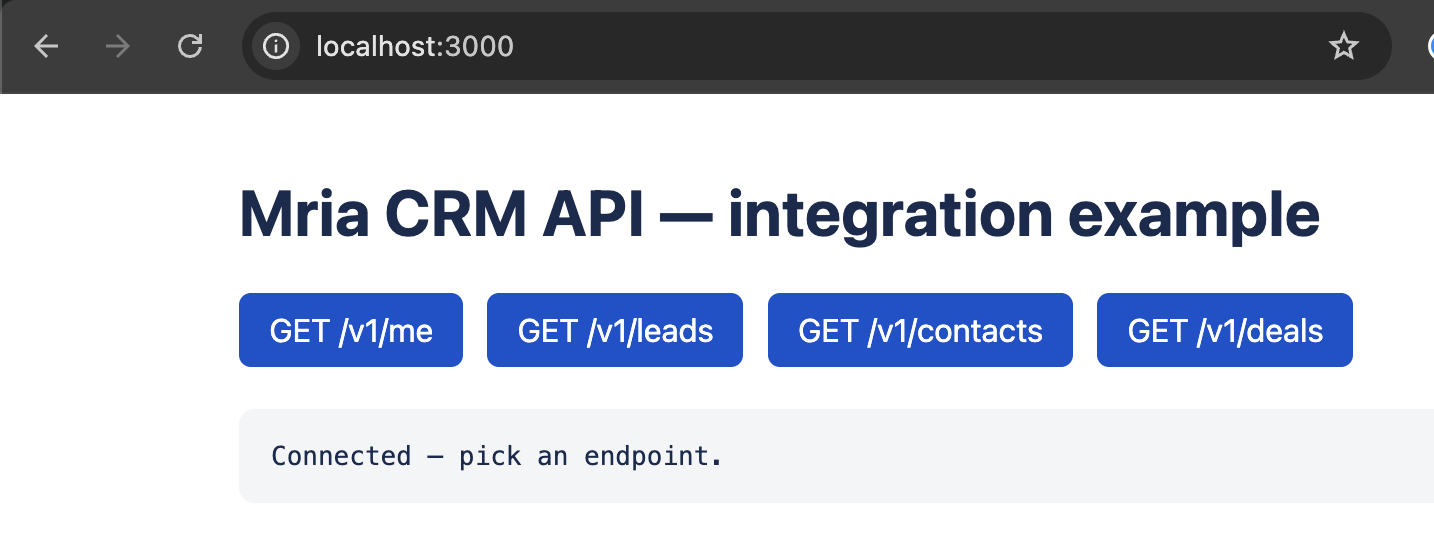
      ${Object.entries(API_PATHS)
        .map(([route, path]) => `<button onclick="call('${route}')">GET /v1${path.split("?")[0]}</button>`)
        .join("\n      ")}
    </div>

    <pre id="out">…</pre>

    <script>
      const out = document.getElementById("out");
      async function call(path) {
        out.textContent = "Loading " + path + " …";
        const r = await fetch(path);
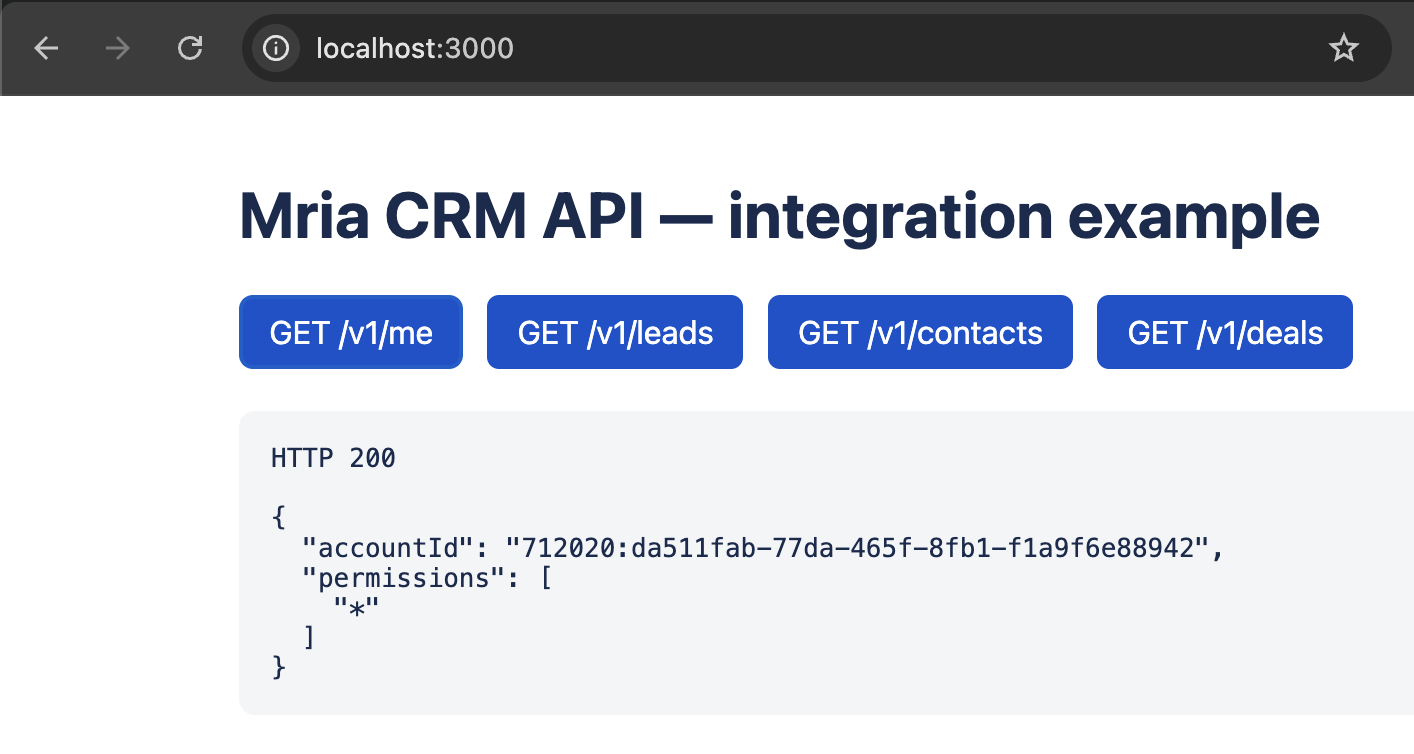
        out.textContent = "HTTP " + r.status + "\\n\\n" + JSON.stringify(await r.json(), null, 2);
      }
      fetch("/api/status")
        .then((r) => r.json())
        .then(({ connected }) => {
          document.getElementById("connect").hidden = connected;
          document.getElementById("actions").hidden = !connected;
          out.textContent = connected ? "Connected. Pick an endpoint." : "Not connected.";
        });
    </script>
  </body>
</html>`;

createServer(async (req, res) => {
  const url = new URL(req.url, `http://localhost:${PORT}`);
  try {
    if (url.pathname === "/") return send(res, 200, PAGE, "text/html; charset=utf-8");
    if (url.pathname === "/login") return login(req, res);
    if (url.pathname === "/oauth/callback") return await callback(req, res, url);

    const sid = sessionId(req, res);
    const connected = Boolean(sessions.get(sid)?.accessToken);

    if (url.pathname === "/api/status") return send(res, 200, { connected });
    if (Object.hasOwn(API_PATHS, url.pathname)) {
      if (!connected) return send(res, 401, { error: "Not connected. Open / and click Connect." });
      const { status, body } = await callCrm(sid, API_PATHS[url.pathname]);
      return send(res, status, body);
    }
    send(res, 404, { error: "Not found" });
  } catch (e) {
    send(res, 500, { error: String(e) });
  }
}).listen(PORT, () => {
  console.log(`Example running at http://localhost:${PORT}`);
  console.log(`API base ${API_BASE}`);
});
This API is supported and actively developed, so it can change without notice. It builds on Atlassian’s Forge App REST APIs (Preview). Send feedback to the Mria CRM team.


