Enable the API #
admin.atlassian.com → Apps → Sites → your site → Connected apps → Mria CRM → View app details → Details → App REST APIs → Enable. It is off by default.
Copy the Base URL shown there. The first UUID in it is your cloudId.
Add the 3LO integration #
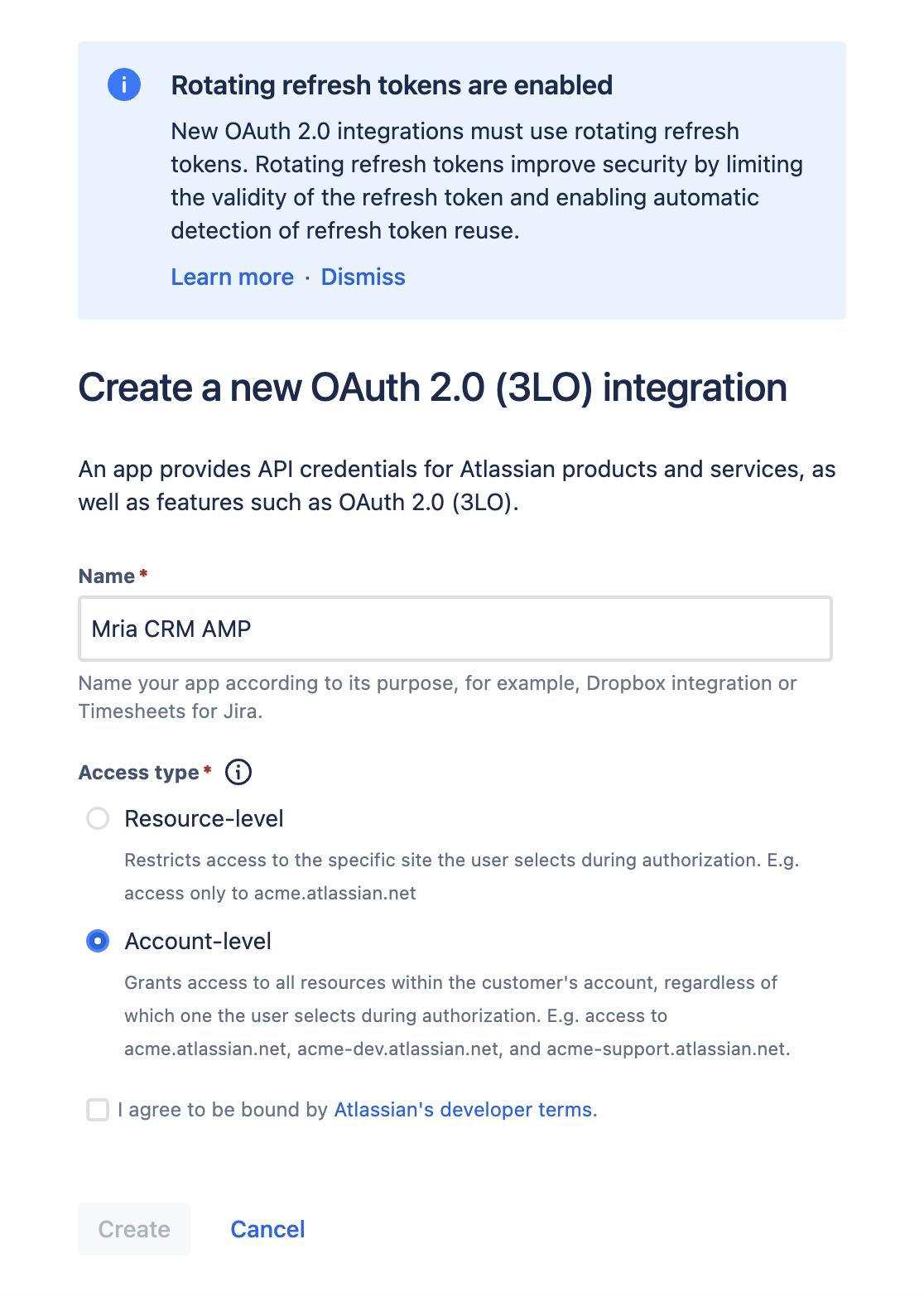
Developer console → Create → OAuth 2.0 integration. Give the integration a name, pick the Access type and accept the developer terms. Account-level lets one Client ID reach every site in your organization, so a client authorized once works on a dev and a production site. Resource-level ties it to the single site the user picks at authorization. Both work with Mria CRM; pick Account-level unless the client must be limited to one site.
- Permissions → Add Marketplace or custom app → your site → Mria CRM →
read:crm:custom,write:crm:customandread:profile:custom. Permissions → Jira API → Configure →
read:forge-app:jira.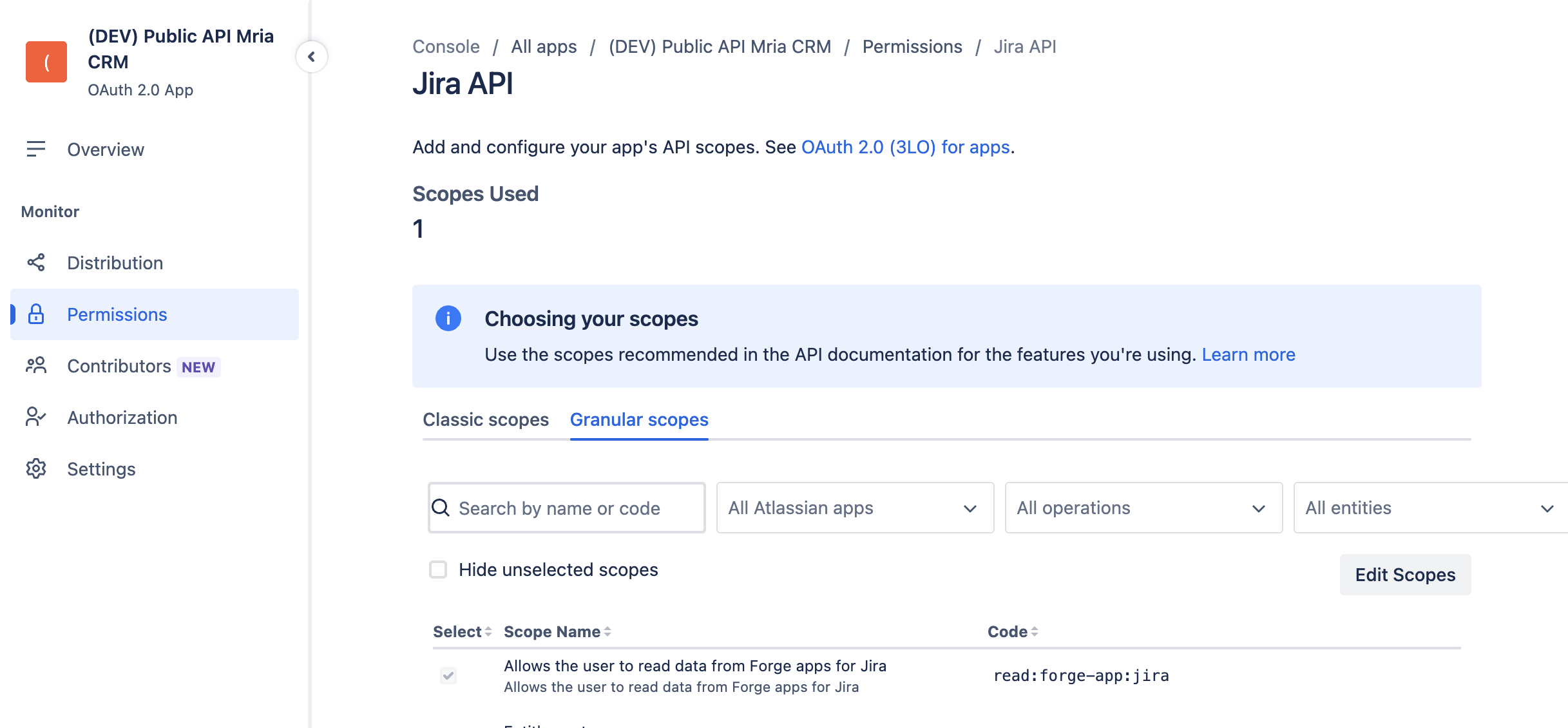
Authorization → add the callback URLs of the clients you will use, matched exactly. Use
https://oauth.pstmn.io/v1/callbackfor the Postman desktop app,https://oauth.pstmn.io/v1/browser-callbackfor the Postman web app, andhttp://localhost:3000/oauth/callbackfor the Node.js example.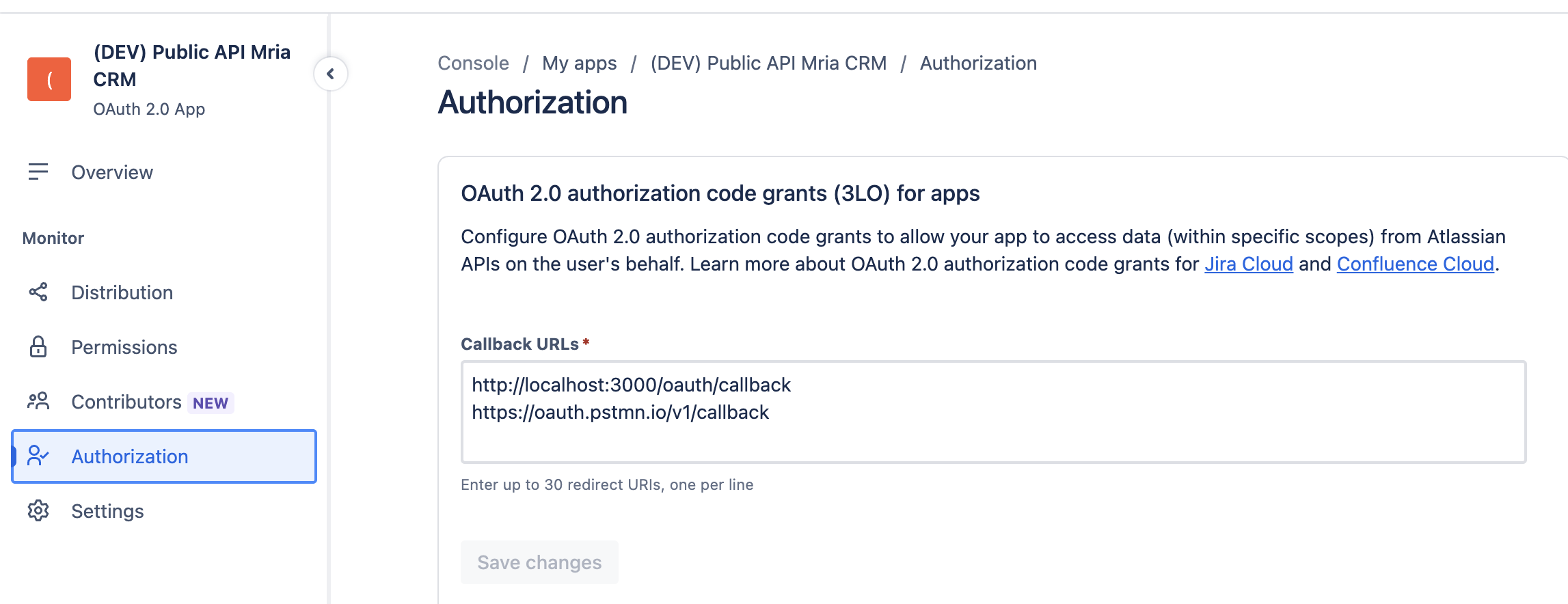
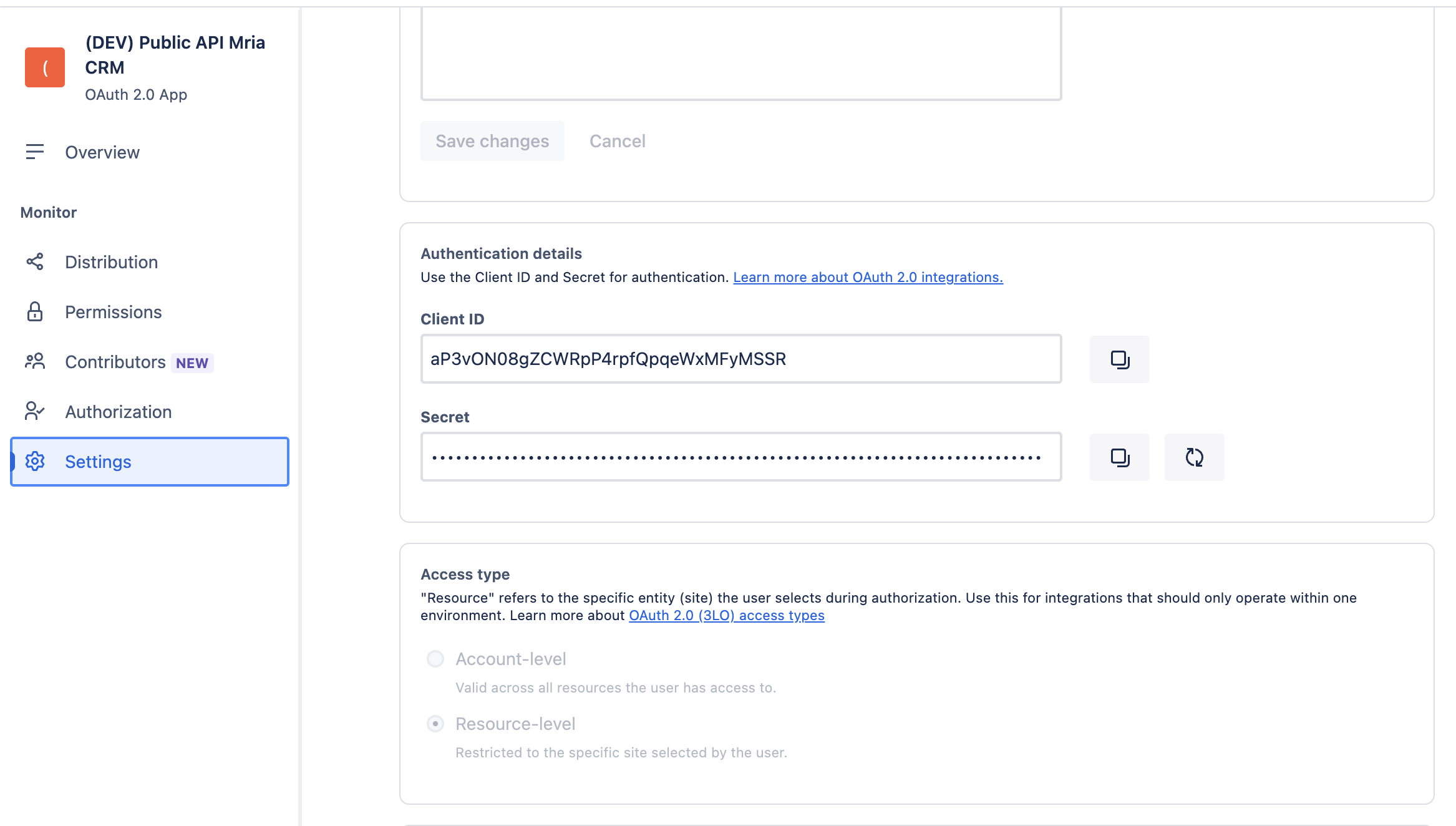
Settings → copy the Client ID and Client secret.
Scopes the clients actually requestread:profile:custom is what lets a client call GET /me, which is the first request in both the Postman collection and the Node.js example. Without it, consent succeeds and the first call returns 403.offline_access is not ticked in the developer console. A client adds it to the scope parameter of the authorize URL when it wants a refresh token; the Node.js example does, and Postman’s collection does when you use it. Refresh tokens rotate on every use, so a client must always keep the newest one.
To run the authorization yourself, request by request, see REST API: Authorization with curl.
This API is supported and actively developed, so it can change without notice. It builds on Atlassian’s Forge App REST APIs (Preview). Send feedback to the Mria CRM team.


