The Notifications page helps you stay up to date with changes and assignments across your CRM workspace.
Here, you can view all notifications related to your Leads, Deals, Meetings, Tasks, Imports, and received Emails.
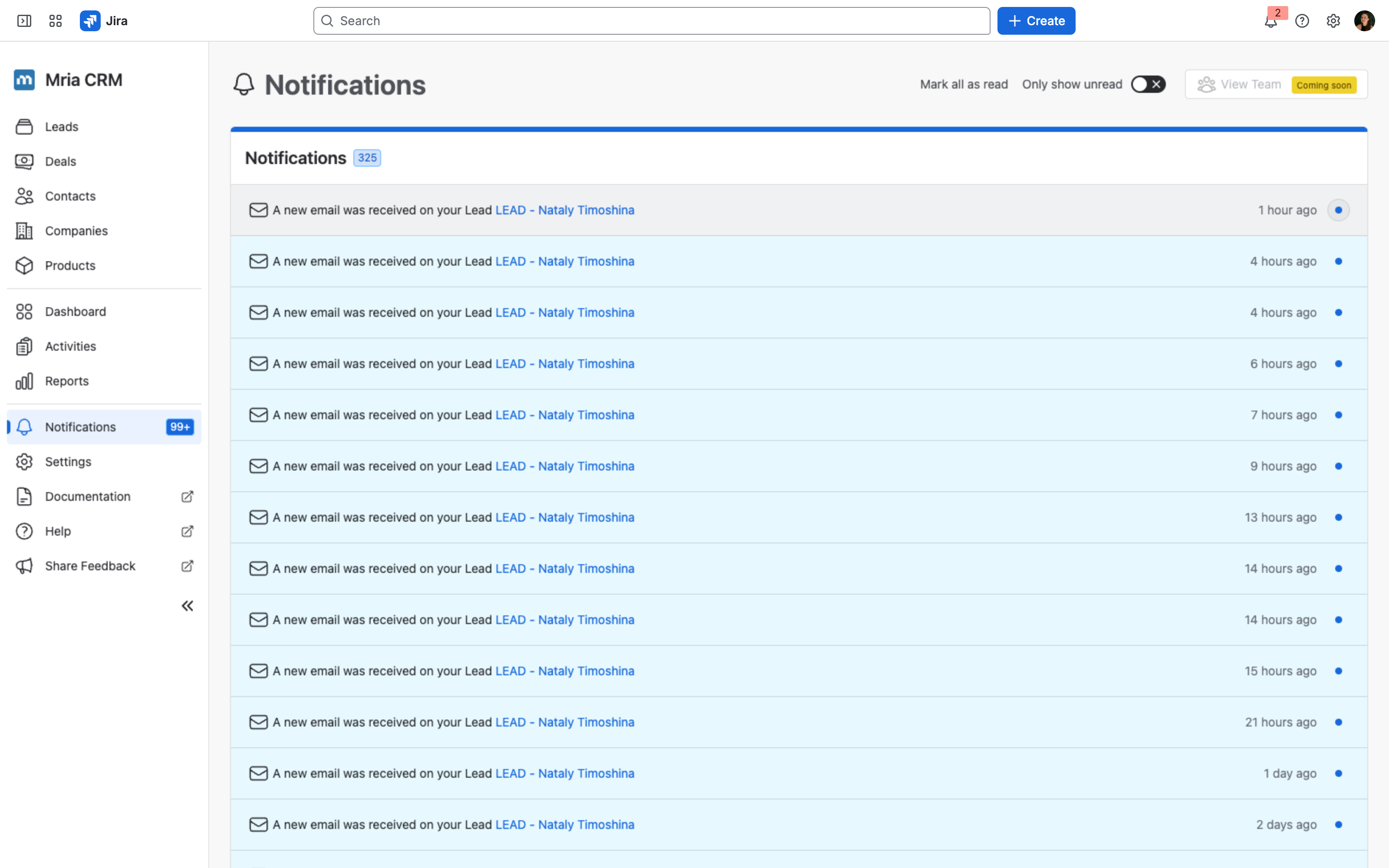
Viewing Notifications #
Each notification lists the action, the initiator, and the time it occurred.
You can:
- Mark all as read – clears all unread indicators at once.
- Show only unread – filters the list to show only unread notifications.
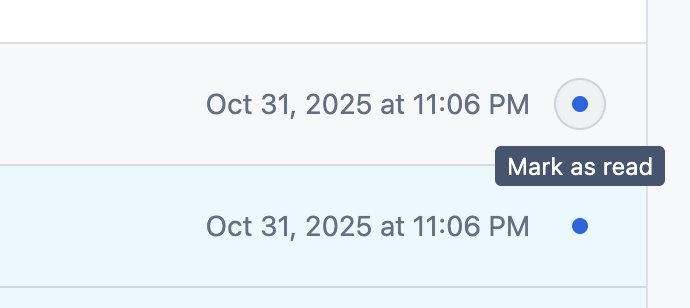
- Mark a single record as read – hover over a notification and click the blue dot.
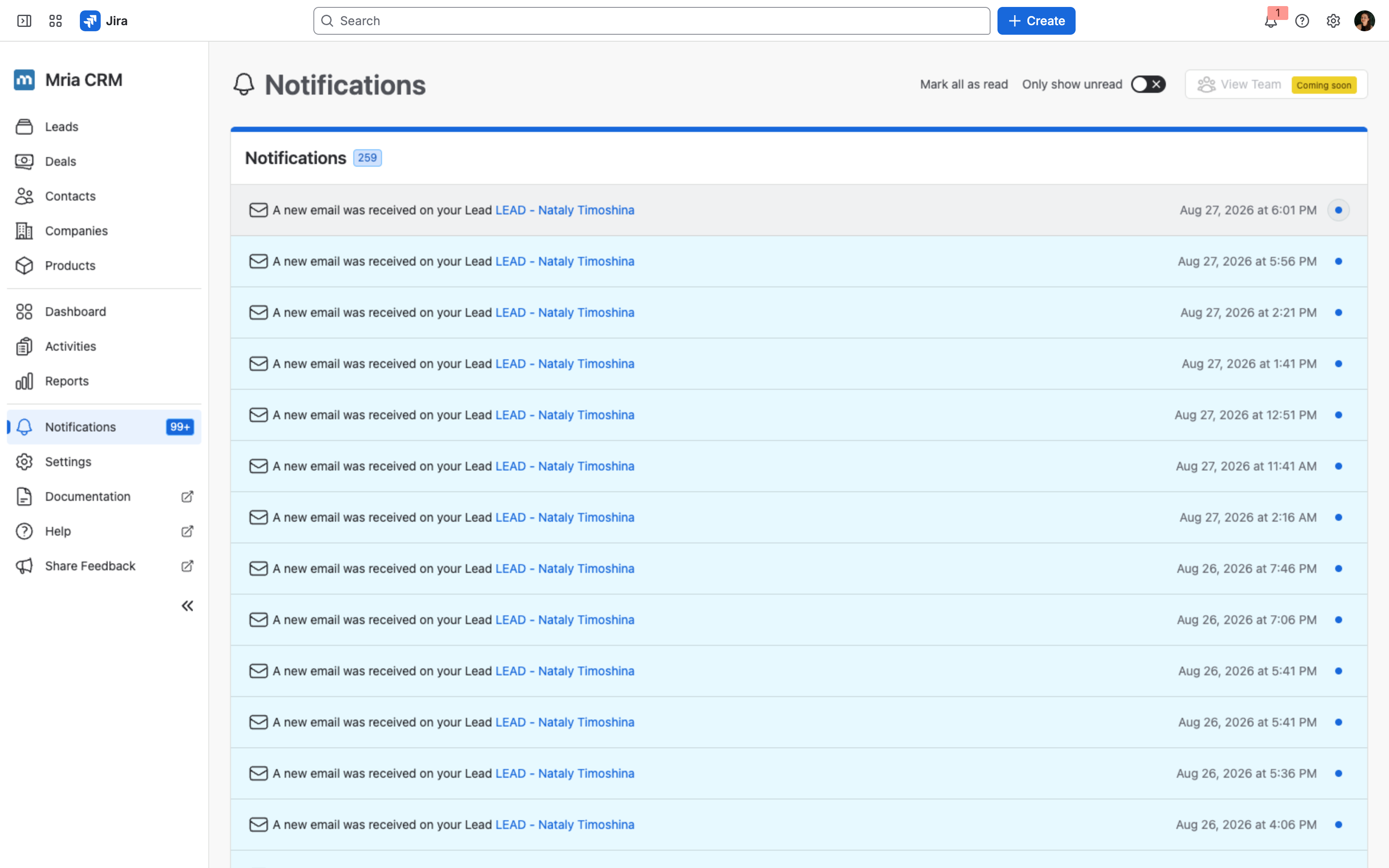
When you open the Notifications page, new records won’t automatically appear at the top while you’re reviewing your current ones. This helps you work through existing notifications without interruption. However, the counter in the left-hand menu will always reflect the actual number of unread notifications in real time.
Timestamps #
Each notification is timed as a duration, in the largest unit that fits — 2 hours ago, 11 hours ago, 1 day ago, 2 days ago, 1 month ago.
- The list carries no absolute dates and no date headings — every entry is relative to now.
- Hover a timestamp to see the exact date and time, e.g. Sep 18, 2026 at 9:01 AM.
- Notifications are newest first, 20 to a page.
Durations are used rather than Today and Yesterday: a relative duration stays correct across midnight, keeps the whole list in one format, and still says something useful about an item that is weeks old.
Notification Rules and Triggers #
General Rules #
- Notifications are sent only to the assignee (except when a user is mentioned in a Note).
- You won’t receive notifications for actions you perform yourself.
- If you take an action on an item assigned to someone else, the assignee is notified.
| Category | Triggered When… |
|---|---|
| Leads | You were assigned to a Lead You were unassigned from a Lead Your Lead status was changed (including Lost) Your Lead was converted to a Deal A Contact/Company was linked to your Lead A work item was linked to your Lead |
| Notes | You were mentioned in a Lead/Deal note A note was added to your Lead/Deal |
| Meetings | Your meeting starts soon (1-2h before the event) You were assigned to a meeting You were unassigned from a meeting Your meeting time was changed Your meeting was marked as done Your meeting was canceled Your meeting was deleted |
| Tasks | You were assigned to a task You were unassigned from a task Your task was edited Your task was marked as done Your task was deleted |
| Deals | You were assigned to a Deal You were unassigned from a Deal Your Deal stage was changed Your Deal amount was changed Your Deal closing date was changed A Contact/Company was linked to your Deal A work item was linked to your Deal Your Deal is closing tomorrow |
| Import | Your import was completed successfully Your import failed You were assigned to Leads from import |
| A new email was received on a Lead or Deal assigned to you (via the Gmail or Outlook integration) |


